The problem: running Slopey Industries means juggling a GPU rig, two websites, an AI copilot, and a camera roll full of screenshots that never make it into blog posts. All of that lives on desktops and SSH sessions — none of it in my pocket.
The fix: a private SwiftUI app, built and verified on the Xcode Simulator in one session, with four tabs that map to the four jobs.
Neo in your pocket
The first tab is a chat client for Neo, the LangGraph copilot that runs on the rig’s OpenAI-compatible endpoint. History persists locally, and — because the rig was actually offline during the build — the offline state got tested for free:
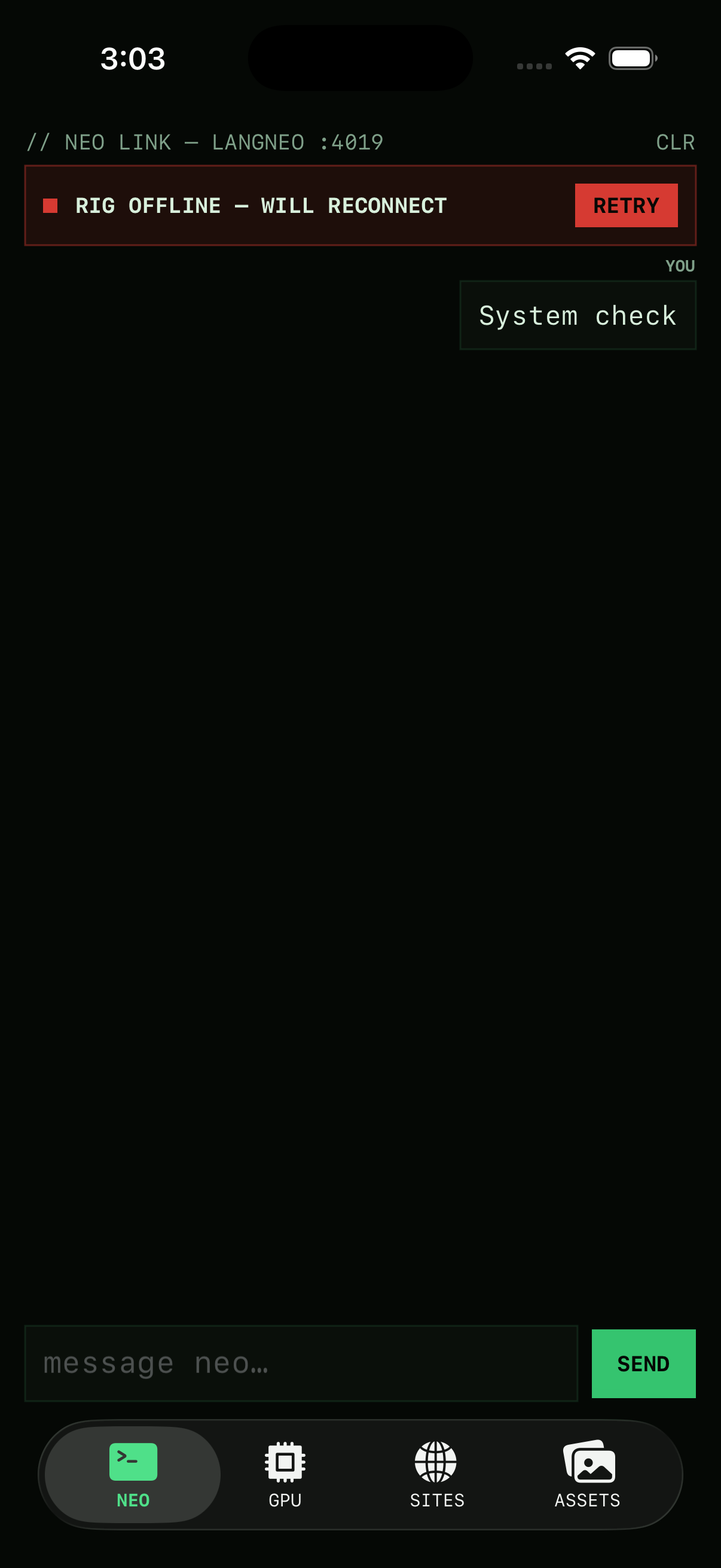
That red banner isn’t a mockup. The app probes the endpoint on appear, retries every 20 seconds, and queues nothing silently. Offline-first isn’t a feature you bolt on; it’s the state you build in.
GPU telemetry without a terminal
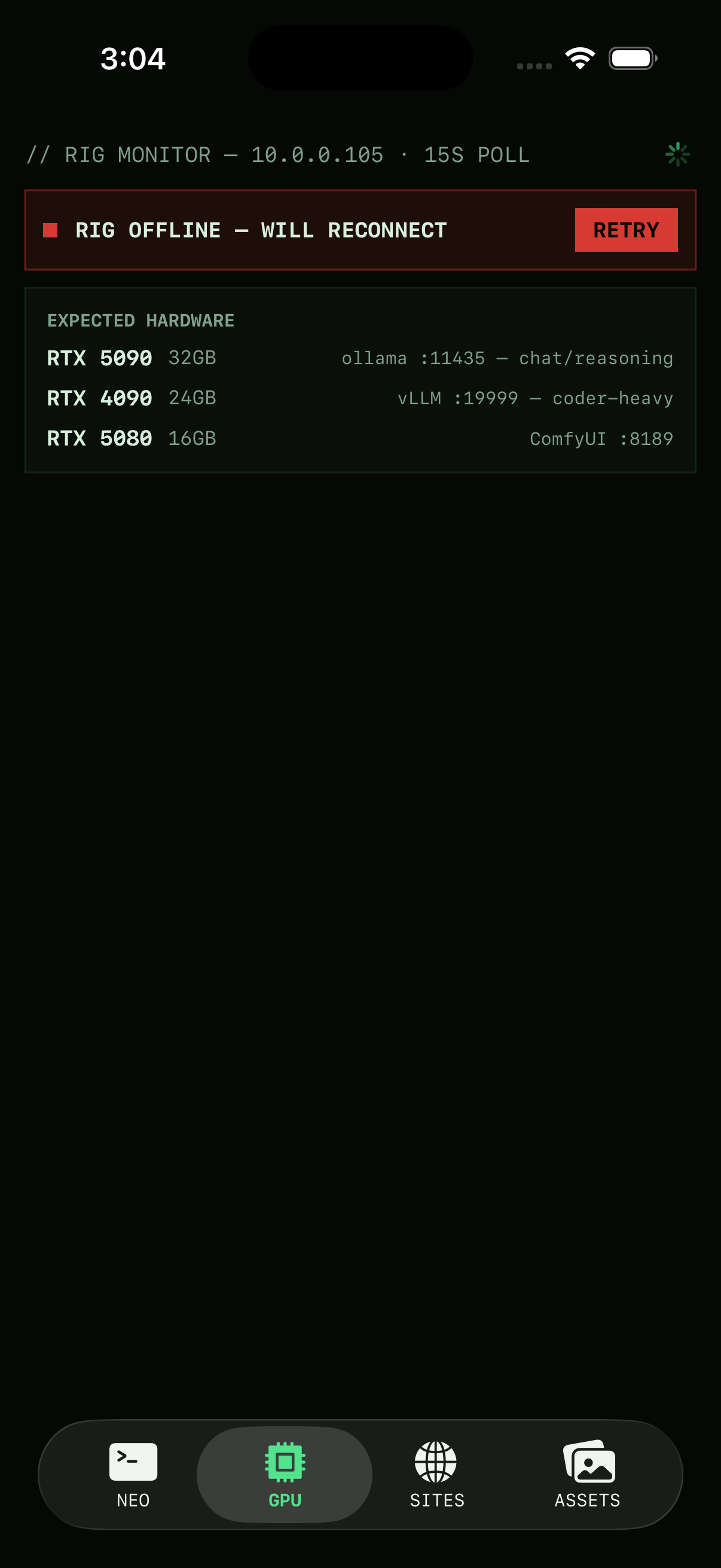
Tab two polls the rig’s MCP server with a JSON-RPC gpu_status call every 15 seconds and renders a card per GPU — RTX 5090, 4090, 5080 — with util, VRAM, and temps. When the rig is dark, you get the expected-hardware layout and a last-seen timestamp instead of a spinner that lies:
Change notes against the live sites
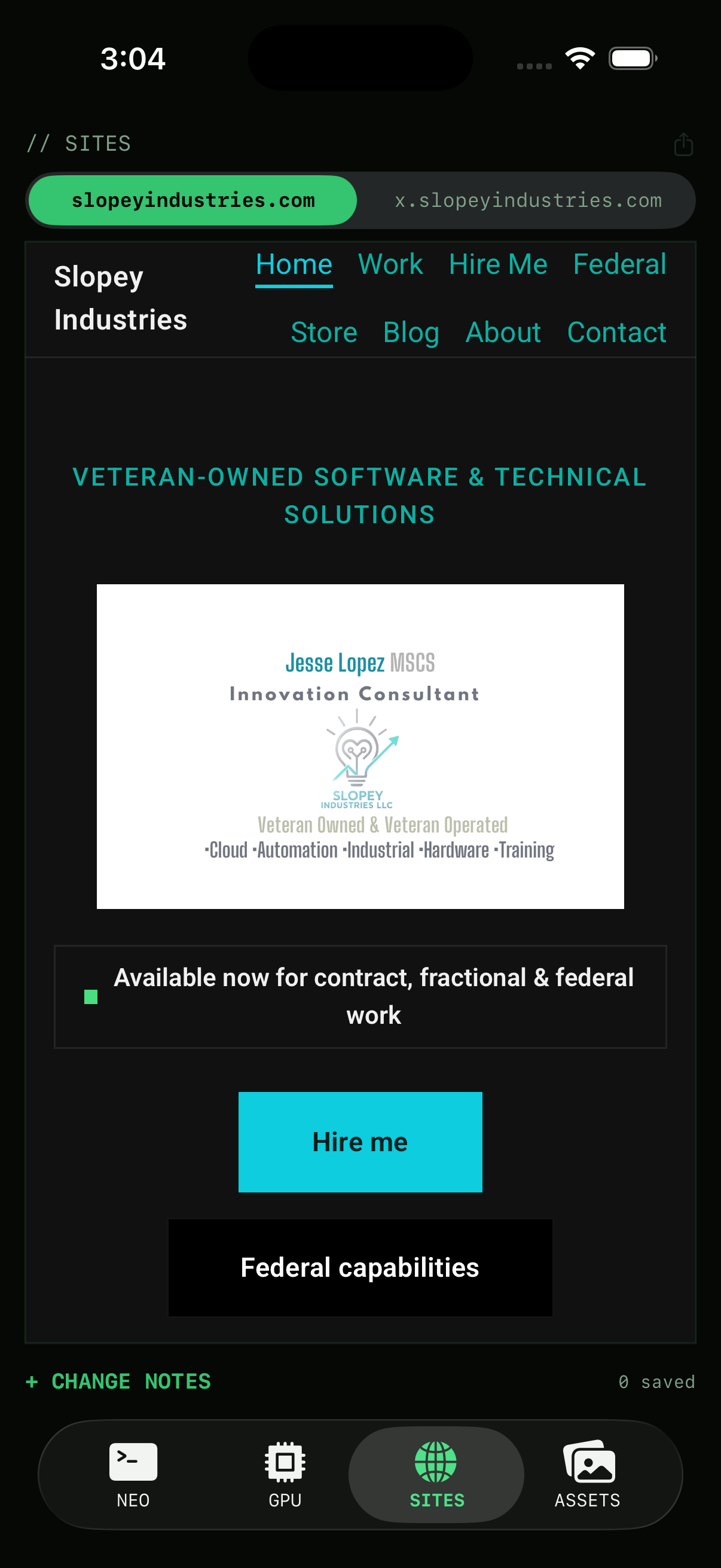
Tab three is a WKWebView of the production sites with a notes composer bolted on. See something wrong on your phone, write the note, copy it as markdown later and paste it straight into a coding agent. The loop from “that button looks off” to “fix shipped” loses its weakest link — remembering.
Photos → blog assets
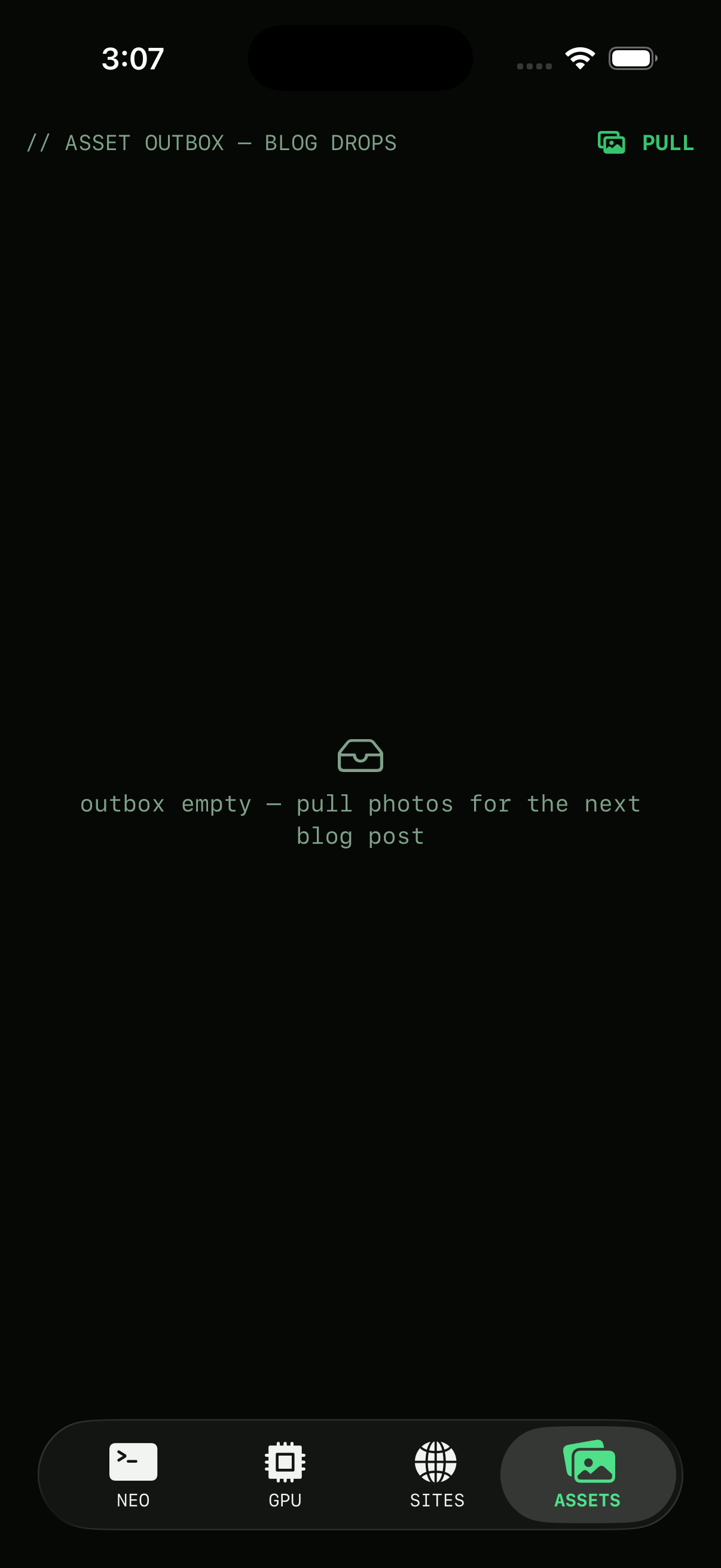
The last tab is an outbox: pull images from the photo library (or camera, on real hardware), get a kebab-case filename suggestion and the right content path, then share-sheet them out. Each image also has an “analyze” action that asks Neo’s vision endpoint for alt text and captions — queued while offline.
The point
None of this is a product. It’s an afternoon of leverage: one engineer, one simulator, four small tools that remove four small frictions. That’s most of what “AI-augmented engineering” actually looks like day to day — and it’s exactly the kind of build Slopey does for clients, minus the parts that are just for me.